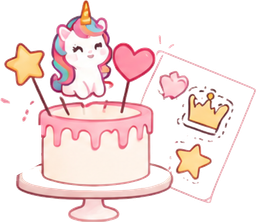


Why you can’t just print the photo
A photo of a cake is not a print layout. It has a background, shadows and a plate, while you need the figures separately and at an exact size: a number at 8 cm, a name at 12 cm, stars at 3 cm each. Fitting that together in Photoshop or Canva takes half an hour for every order.
In dekorcakes every figure is cut out on its own, the background is removed automatically and the size is set right in centimetres. The sheet is laid out for you, and each figure keeps the size you chose.
Print quality
- If the photo is small, the “Enhance” button increases the resolution and cleans up the edges.
- The sheet is calculated in millimetres, the file is 300 dpi and the PDF page has the real size of A4 or A3.
- Before printing the service checks the layout: whether figures cross the margin, overlap each other or have too little resolution.
Printing tip
Print at 100% scale — then a figure set to 8 cm is 8 cm on the sheet too. Other paper sizes, such as US Letter, can be set as a custom sheet size.
Frequently asked questions
Can I make an edible image from any photo?
Yes — from a cake photo, a screenshot or a picture from the internet. The sharper the photo, the better the print; if the resolution is low, the service tells you and suggests “Enhance”.
What file format do I get?
A PDF with all sheets (each page has the real size of A4 or A3), plus PNG and JPG — one file per sheet, at 300 dpi.
Do I need Photoshop?
No. Cutting out, removing the background, setting the size in centimetres and laying out the sheet all happen in the browser, on a phone or a computer.
How much does it cost?
There is a free plan with no card. Cutting out, background removal, quality enhancement and export do not use AI images; only the features where AI draws are paid.